Learning how to use beer rating apps takes about ten minutes of setup, and each check-in after that runs 30 seconds or less. You search or scan for the beer in your glass, tap a score, add two or three lines about how it tasted, and the app files it in a log you can search years from now. That log is the whole point: it turns “I think I liked that one” into something you can actually verify at the bar.
What follows is the workflow I wish someone had handed me before my first hundred check-ins, from picking an app to writing notes that still make sense next year. These steps apply to the iOS and Android versions of the major beer apps, including Untappd, BeerAdvocate, and RateBeer. Menu wording shifts between apps and releases, so treat the labels as landmarks rather than exact button names.
Table of Contents
- What You Need
- Step-by-Step: How to Use Beer Rating Apps
- 1. Choose the Right Beer Rating App
- 2. Find the Beer You Are Drinking
- 3. Check the Beer Details Before Rating
- 4. Add Your Rating and Tasting Notes
- 5. Save Beers to Your Personal Beer Log
- 6. Use Ratings to Discover Your Next Beer
- Common Mistakes
- Frequently Asked Questions
- What is the best app for tracking beer ratings?
- Is there an app like Vivino but for beer?
- Do people still use Untappd?
- How do I rate a beer so my scores actually mean something?
- What if the beer I am drinking is not in the app’s database?
- Are my beer ratings and check-ins public?
- Conclusion
What You Need
You need a phone, an app, and about a beer to start. Everything beyond that is optional.
- A phone with a working camera. Nearly every step below uses barcode scanning, and location access is what turns the app from a logbook into a “what’s near me” tool.
- An app you actually enjoy opening. Pick one and give it two weeks before you judge it. Splitting your attention across three apps leaves you with three thin logs and no history.
- A stable connection for the first run. Databases are large and the initial download can be slow on taproom wifi.
- An account. All three major apps require one. Pick a username you will not be embarrassed by in 2030, because check-ins are often public by default.
- The label, tap list, or can in front of you. This is the single most useful input. The style name and brewery printed on the label resolve most database mismatches instantly.
Before you start rating, open your privacy settings once. Knowing where that switch is now saves an awkward conversation with a coworker later.
Step-by-Step: How to Use Beer Rating Apps
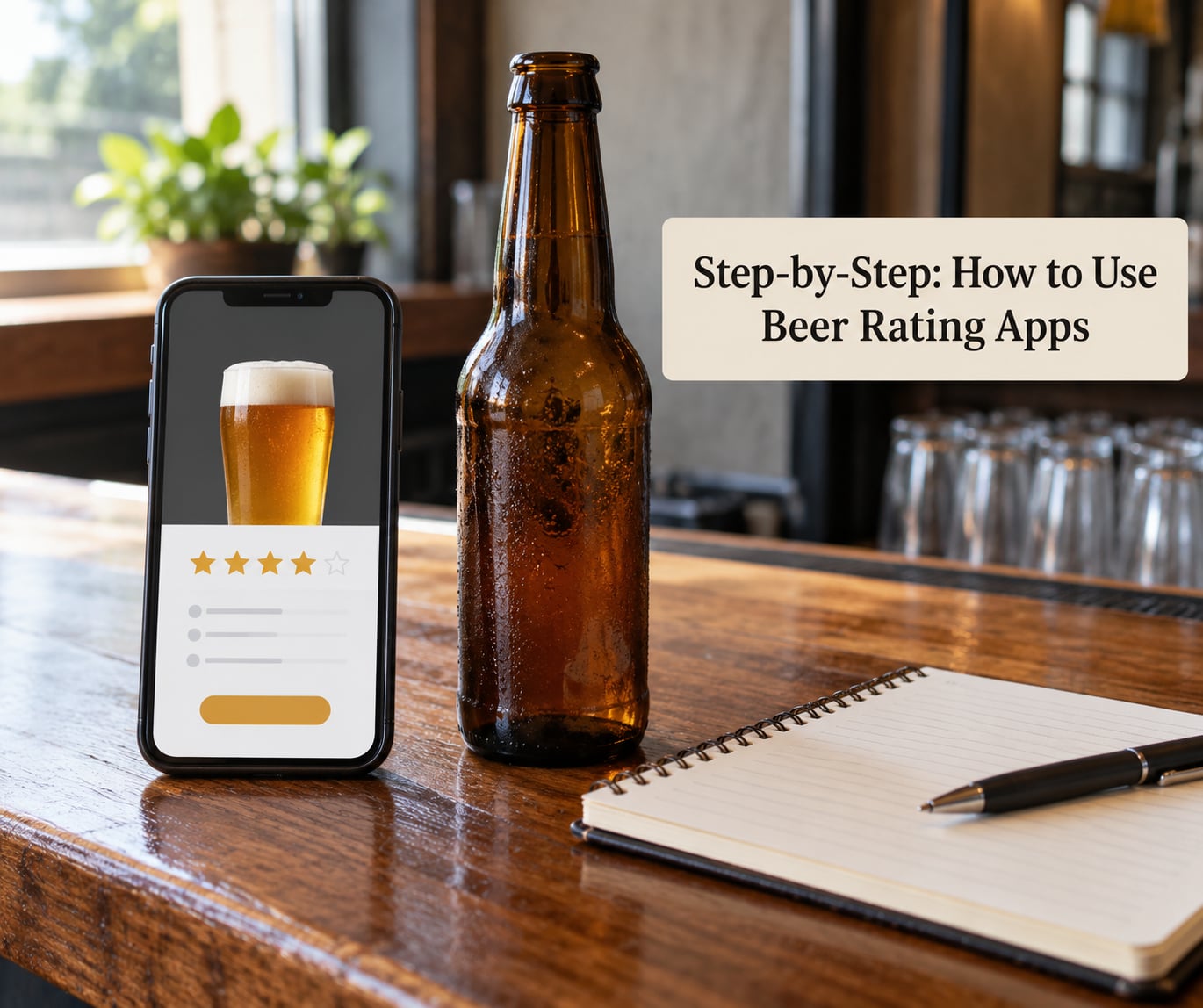
1. Choose the Right Beer Rating App
There are four kinds of beer rating app, and picking the wrong one is the most common early mistake. Social apps like Untappd center on check-ins, badges, and a friends feed. Database-first apps like BeerAdvocate and RateBeer center on style guides, brewery profiles, and large catalogs of user reviews. Venue apps are built around tap lists and what a specific bar currently has on. Journal apps are private by default and exist mostly for your own records.
They are not interchangeable. Someone who wants a searchable archive of ten years of ratings and someone who wants to know what is good at the bar they walk past every Thursday need different software.
Give each app a two-week trial and judge three things: how fast a check-in is, how many of your local beers exist in the database, and whether the feed is something you want to scroll. A power user on r/Untappd described the ideal flow as roughly 30 seconds: find the beer, rate it, move on. If your app takes longer than that, it is the wrong tool for the job.
Skip the urge to compare them forever. There is no single best app, only the one that matches whether you care more about data or community.
2. Find the Beer You Are Drinking
Start with the barcode scanner. Frame the barcode on the bottle, can, or tap handle and most apps pull up the right listing in a couple of seconds. If scanning fails, search by beer name, then narrow by brewery, then by style. Searching by brewery alone is a good trick when a brewery ships similarly named beers.
Confirm the listing before you rate anything. Match the brewery, the style, and the ABV on the label to what the app shows. Similar names are common: imperial stouts from the same brewery, seasonal releases with a year in the title, and barrel-aged versions that sit next to the standard one in search results.
If the beer is missing, add it yourself rather than forcing a match onto the wrong entry. Most apps let you create a new listing with a name, brewery, and style, and other drinkers can then correct it. A large share of local taps, especially non-US releases, will be missing, and this is a known weak spot rather than something you are doing wrong.
3. Check the Beer Details Before Rating
Open the beer page before you score it. You get the style guide entry, the brewery, the ABV, often the IBU, and tasting notes left by other drinkers.
Read the community notes last, not first. Forming an impression from a hundred averaged scores before tasting is how you end up rating beer you cannot describe. A useful middle path: read two or three reviews, form your own read while the beer is in front of you, then see if you agree.
Two numbers deserve attention. ABV tells you how much alcohol is in the glass, which explains warmth and heaviness. IBU measures bitterness and is the roughest guide to hop intensity. Neither is a quality score, and a hazy IPA at high IBU tasting sweet is a real outcome, not a mistake.
4. Add Your Rating and Tasting Notes
Tap the score first, then write. The order matters. If you read your own notes and then pick a number, you are more likely to land on what you actually tasted rather than a vibe.
Calibrate before your first hundred check-ins, because nobody else will do it for you. As one r/Untappd user put it, there is no standard rating, and some people treat a 4 as average while others treat a 2.5 as average. Your scale just has to be consistent with itself, so write the meanings down once:
- 2 or below: would not drink again, and would warn a friend.
- 2.5 to 3: perfectly fine, would order again if it were the only option.
- 3.5: good, would seek it out, no hesitation.
- 4: genuinely excellent, worth the trip or the detour.
- 4.5 and up: a beer you will still be thinking about years later, and you save these for beers that earned it.
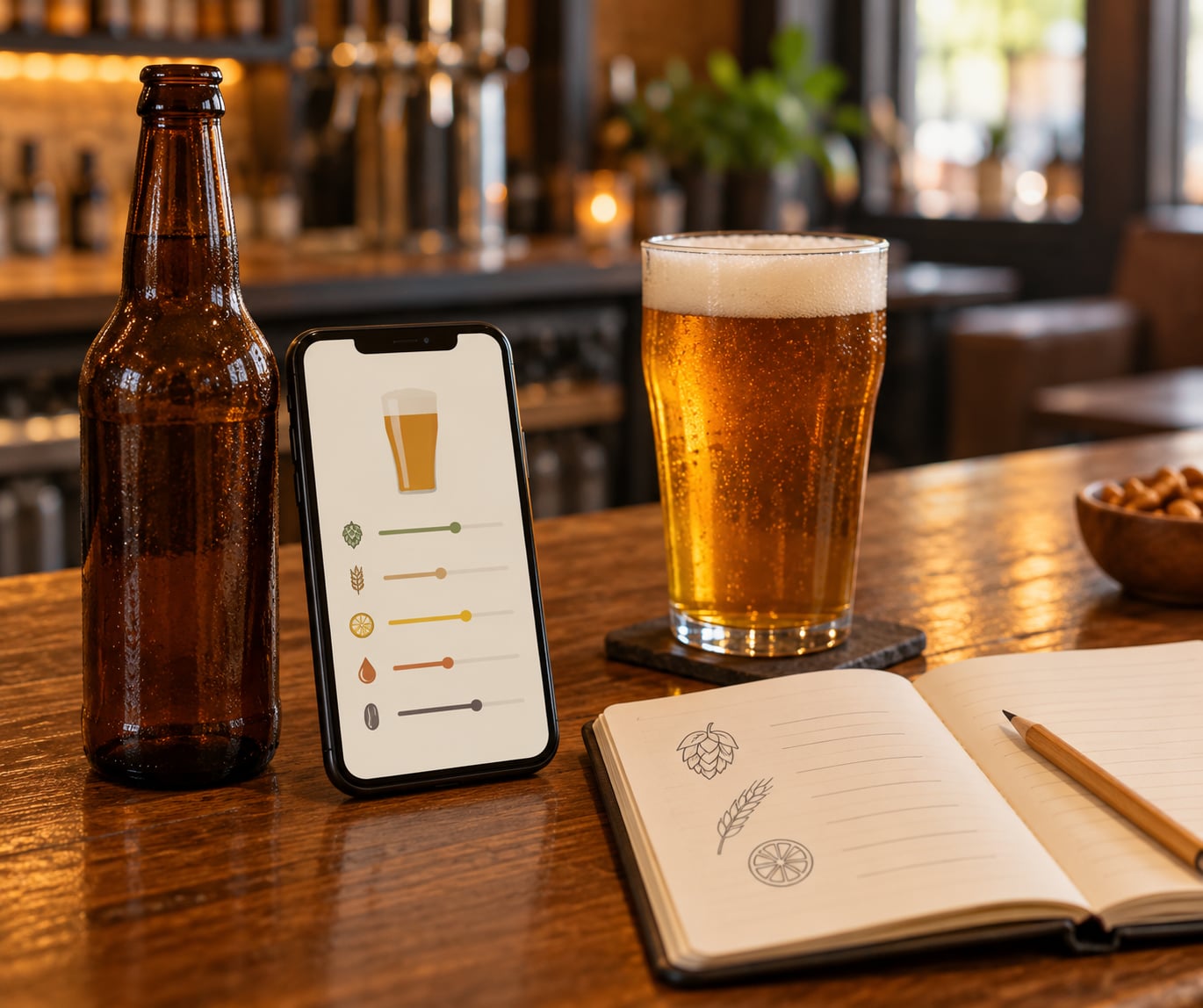
Then write notes in five parts, one line each if you like: appearance, aroma, flavor, mouthfeel, and overall impression. “Tastes like grapefruit and pine, medium body, dry finish” is a note you can act on in a year. “Pretty good” is not. Specific beats long every time.
Photograph the pour if you want to remember appearance later, and note anything unusual: a corky off-flavour, a wild yeast funk, a serving temperature that made it better or worse.
5. Save Beers to Your Personal Beer Log
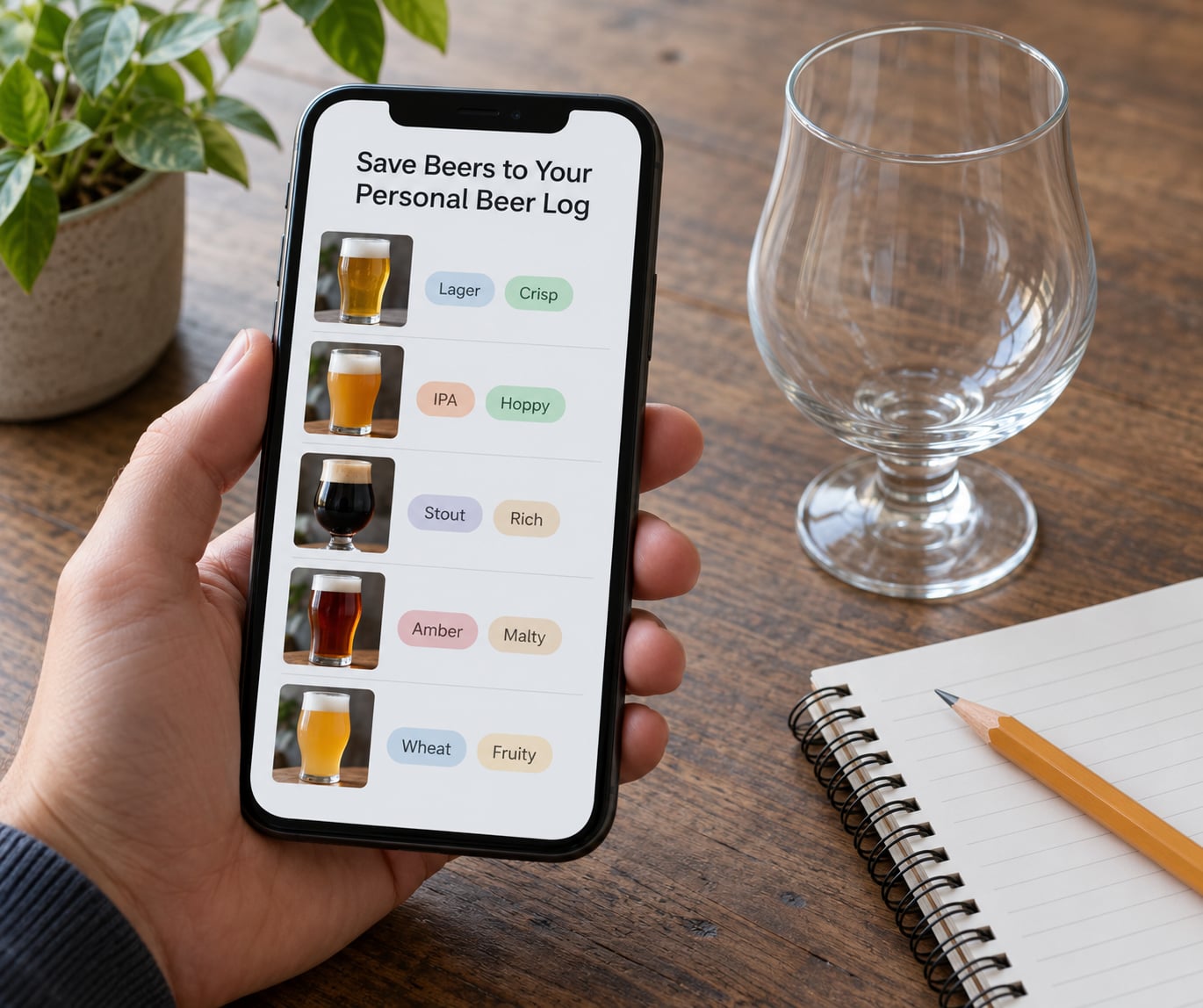
A rating you do not categorize is a rating you will not find again. Use the saved-beers or wishlist feature in your app and sort it by a rule you will remember: to drink again, to seek out, to avoid.
Lists are more useful than tags here, because a list is a short question you can ask later. “Beers I rated 4 or higher that I have not had in a year” is a great shopping list at a festival.
Most of these apps also track venues. Check in at a bar or taproom and the app files that place in your history with the beers you drank there, so you can answer whether that spot is worth driving back to and what to order when you arrive.
If you care about privacy, set the check-in feed to private in settings before you go further. A public feed becomes a permanent record of where you drank and how often, and it is visible to anyone who looks. If you want the data without the audience, most apps let you keep ratings and notes private while still logging the beer.
6. Use Ratings to Discover Your Next Beer
Once you have 50 or so check-ins, the app starts being useful in reverse. Look at breweries and styles you rate highest, then browse what those breweries and their peers have released. The “nearby places” and trending views answer a different question: what is popular and available near you right now, which is useful at a bar you have never walked into.
Treat both as starting points rather than verdicts. Availability-weighted data rewards beers that are widely distributed, which is why r/beer users note that almost no pilsner or lager scores well on a social app. A mass-market lager being rated 2.5 tells you almost nothing about whether you would enjoy it.
Compare a beer’s score against beers of the same style before you decide anything. And check where the average comes from: fifty ratings from varied drinkers means something different from five ratings from one person’s friends.
Common Mistakes
Rating the wrong beer. The most common error, and the hardest to undo once it sits in a public feed. Match the brewery and the ABV on the label to the listing before you tap anything, and check whether a seasonal or barrel-aged version is sitting next to the standard one. Fix it by editing or deleting the check-in from your history immediately rather than hoping nobody looks.
Letting the number decide for you. Reading the community average before tasting trains you to rate beer rather than drink beer. Drink first, write your own read, then compare.
Scoring on mood rather than on the beer. A bad day produces a 2 on a beer you actually liked. Write the notes first so the score has something to point at, and remember that your scale only works if you stay consistent with it.
Entering details you guessed at. Guessed IBU and approximate ABV get stored and then repeated by other drinkers. Leave a field blank when you do not know.
Reading popularity as quality. High scores often mean a beer is easy to find, not that it is great. Check the rating count and the style before you trust an average.
Posting publicly by accident. Check-ins default to visible in most apps. Review your settings once at the start, not after a birthday check-in ends up in a coworker’s search results.
Treating recommendations as personalized advice. Trending and friend-based suggestions know your past ratings, not your palate today. A suggestion engine is a decent editor and a poor bartender.
One more habit is worth adding early: exporting your data if the app offers it. People with years of ratings on RateBeer or BeerAdvocate have asked about moving that history, and migration support exists in some form but is rarely smooth. A manual export now makes a future move a small chore instead of a lost decade.
Frequently Asked Questions
What is the best app for tracking beer ratings?
It depends on what you want the log to do. Untappd is the strongest choice for a social feed, badges, and quick venue check-ins. BeerAdvocate and RateBeer are better if you care about style guides, brewery histories, and a large written review archive. A private journal app works best if you never want a public record. Try one for two weeks before committing, and judge it on how fast a check-in is and how many local beers it already knows.
Is there an app like Vivino but for beer?
Yes, though the beer equivalents work differently from a wine scanner. Vivino’s label recognition maps to barcode scanning in Untappd, BeerAdvocate, and RateBeer, which pull up a listing from the barcode on the bottle or tap handle in a couple of seconds. The database depth is shallower than wine apps because beer releases are far more local and change constantly, so a barcode hit is not guaranteed. Search by brewery and style as your backup.
Do people still use Untappd?
Yes, and it is one of the more active beer communities in 2026, with a large catalog of beers and breweries and a steady stream of check-ins from taprooms across the US. What has changed is how people use it. Long-time users on r/Untappd describe it as a personal log first and a social feed second, and the businesses behind taprooms now keep their Untappd beer lists current because customers navigate by it. Treat it as a live log with a community attached.
How do I rate a beer so my scores actually mean something?
Write a short personal scale down once and use it forever. A workable version: 2 or below means would not drink again, 2.5 to 3 means perfectly fine, 3.5 means good enough to seek out, 4 means excellent, and 4.5 or higher is reserved for beers you will remember in years. Write your tasting notes before you pick the number, and compare scores only against beers of the same style, since a lager and an imperial stout are not competing on the same scale.
What if the beer I am drinking is not in the app’s database?
Add it yourself instead of settling for the closest match. Most beer apps let you create a new listing with a beer name, brewery, and style, and the community fills in the rest. This comes up constantly with local releases, seasonal beers, and anything brewed outside the US. Avoid rating a different beer that happens to have a similar name, because a wrong check-in is harder to clean up later than a missing one, and it skews someone else’s data.
Are my beer ratings and check-ins public?
Usually visible to other users by default, and that means a permanent record of where you drank, what you drank, and how often. If that is not what you want, open privacy settings in the app before your next check-in and set your feed to private or friends-only. Most apps still let you log the beer, rating, and notes privately while hiding the social activity, so you keep the journal and drop the audience. Review the setting again if you ever notice a venue being tagged automatically.
Conclusion
Pick one app, set your feed to the privacy setting you actually want, and do a first check-in tonight while the beer is still in front of you. Confirm the listing against the label, write three lines of notes, then pick a score using the scale you just decided on. Repeat that thirty times and you will have something far more useful than anyone else’s average: a record of what you like.